Alight Motion vs. CapCut: Which is Best for Edits? (2025 Review)
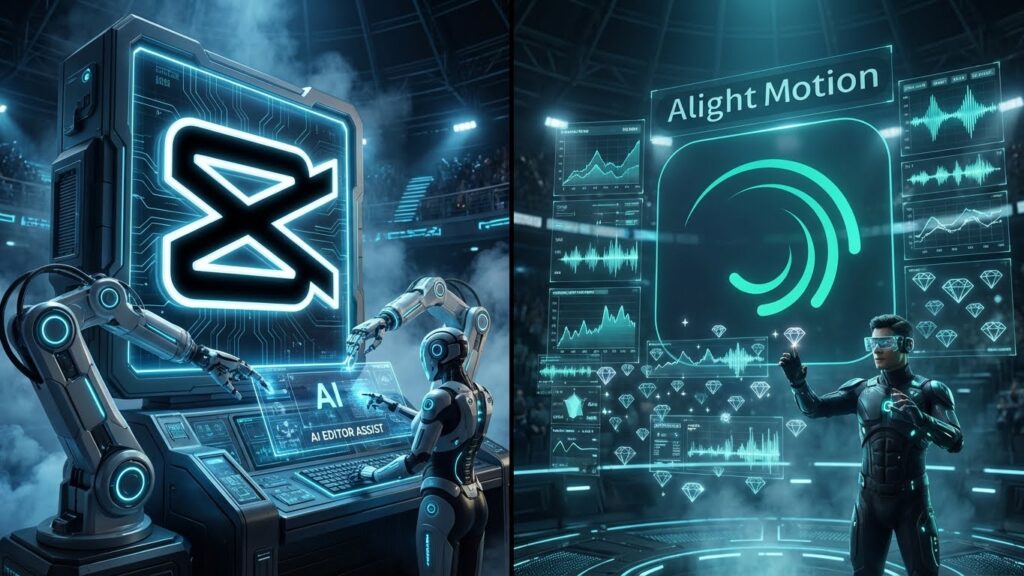
If you are a mobile video editor in 2025, you really only have two choices.
On one side, you have CapCut—the TikTok giant. It’s fast, it has AI superpowers, and it dominates the “viral trend” market. On the other side, you have Alight Motion—the “After Effects of Mobile.” It’s complex, powerful, and the industry standard for Motion Graphics and AMVs (Anime Music Videos).
So, which one should you download?
In this comprehensive Alight Motion vs. CapCut comparison, we will break down the pricing, the learning curve, and the raw power of both apps to help you decide.
The “Tale of the Tape”: Quick Comparison
If you are in a rush, here is the cheat sheet.
| Feature | CapCut | Alight Motion |
| Best For | Quick TikToks, Reels, Vlogs | AMVs, Motion Graphics, Typography |
| Learning Curve | Very Easy (10 Minutes) | Steep (3-5 Days) |
| Keyframes | Basic (Position/Scale) | Advanced (Every Property) |
| AI Features | Excellent (Auto-Captions, Remove BG) | None (Manual Control) |
| Graphs | Simple Easing | Custom Bezier Curves |
| PC Version | Official PC App Available | Android Emulator Required |
| Price | Free (Pro features paid) | Free (Watermark) / Paid Sub |
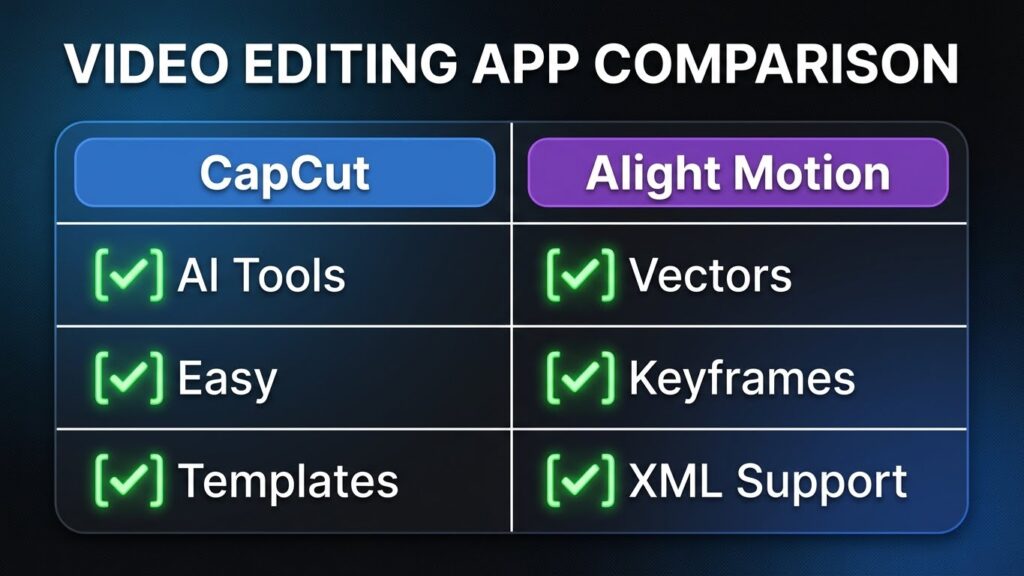
The Verdict: Choose CapCut for speed. Choose Alight Motion for control.
Round 1: Features & Animation Power
This is where the apps are totally different beasts.
Alight Motion: The Control Freak
Alight Motion is built on a Vector Engine. This means you can draw shapes, animate individual points of a triangle, and scale graphics infinitely without pixelation.
- Keyframe Anything: You can add a keyframe to every setting—color, shadow distance, blur strength, and even audio volume.
- Parenting (Null Objects): Just like Adobe After Effects, you can link 10 layers to one “Null Object” and move them all together. This is essential for complex 3D Camera Movements.
CapCut: The AI Assistant
CapCut doesn’t want you to work hard. It wants you to finish fast.
- Templates: CapCut has a massive library of “One-Click” templates. You just upload a photo, and it syncs the beat and transitions for you.
- Smart Cutout: Its AI background remover is incredibly accurate for human subjects.
- Velocity: It has a dedicated “Auto-Velocity” button that instantly creates speed ramps (though they aren’t as smooth as Alight Motion Velocity graphs).
Winner: Alight Motion (for pure editing power).
Round 2: Interface & Ease of Use
CapCut
CapCut feels like a standard video editor. You have a timeline, a “Split” button, and effects at the bottom. It is intuitive. My grandmother could edit a vlog on CapCut.
Alight Motion
Opening Alight Motion feels like entering a cockpit. There are graphs, nodes, and layer stacks. It requires patience.
- The Learning Curve: You need to watch tutorials to understand it. (Check out our Editing Academy Hub if you are struggling).
- Performance: Alight Motion is heavier. On older phones (2GB/3GB RAM), it will lag if you use too many layers. CapCut is much better optimized for low-end devices.
Winner: CapCut (for user experience).
Round 3: Pricing & Watermarks
Alight Motion
- Free Version: Has a permanent watermark on exports and locks some premium effects.
- Subscription: Costs roughly $2.99/month or $19.99/year. This removes the watermark and unlocks XML sharing.
- Alternative: Many users download the Alight Motion Mod APK to unlock these features for free (at their own risk).
CapCut
- Free Version: Surprisingly generous. You can delete the ending watermark for free.
- Pro Version: CapCut has recently started locking its best features (like Cloud Space and certain AI Effects) behind a “Pro” subscription, which is actually more expensive (~$7.99/month) than Alight Motion.
Winner: Tie (Alight Motion is cheaper, but CapCut offers more for free).
Final Verdict: Who Wins in 2025?
Choose CapCut If:
- You want to make viral TikToks or Instagram Reels quickly.
- You need Auto-Captions or AI background removal.
- You are editing real-life footage (vlogs, travel, lifestyle).
Choose Alight Motion If:
- You want to make Anime Music Videos (AMVs) with complex transitions.
- You need Custom Text Animations (Kinetic Typography).
- You want to learn “Real” editing skills that translate to PC software like After Effects.
My Recommendation: Install Both. Use CapCut for cutting your clips and adding captions. Then, send the project to Alight Motion to add those professional shakes and color grades that CapCut simply can’t do.