Alight Motion Troubleshooting Hub: Fix Common Errors (2025)
Updated on January 26, 2026
Alight Motion Pro APK is the most powerful video editor for Android, but “great power” often comes with “great bugs.” Whether you are facing a black screen during export, an installation failure, or a login loop, you are not alone.
Most of these errors aren’t because your phone is broken, they are usually caused by Security Conflicts (using a Mod APK) or Hardware Bottlenecks (RAM usage).
Welcome to the Alight Motion Troubleshooting Hub. This is your central resource for fixing every known glitch in the app. Below, we have categorized the most common errors with direct links to our step-by-step repair guides.
Why Is Alight Motion Not Working? (Root Causes)
Before you panic, diagnose the source. Most issues fall into two buckets:
- The “Signature” Conflict: Android security blocks modified apps, causing “App Not Installed” or “Login Failed” errors.
- The “Codec” Conflict: Your phone’s hardware cannot handle specific video formats (H.265), causing “Black Screen” or “Export Failed” errors.
Installation & Update Errors
If you can’t even get the app onto your phone, start here.
“App Not Installed” (The #1 Mod Issue)
You hit install, the bar loads, and then it fails. This happens because the official Play Store version is still hidden somewhere on your phone (often in a Secure Folder).
- Quick Fix: Uninstall the original app and clear your Package Installer cache.
- Full Guide: [Read our Step-by-Step Fix for ‘App Not Installed’ Error]
“Package Corrupt” / Parsing Error
This means the APK file download was interrupted.
- Quick Fix: Do not use Chrome to download. Use an app like ADM (Advanced Download Manager) to ensure the file is 100% complete before installing.
Performance & Export Crashes
The app opens, but it’s unusable or crashes when you try to save your video.
Black Screen & Export Failed at 99%
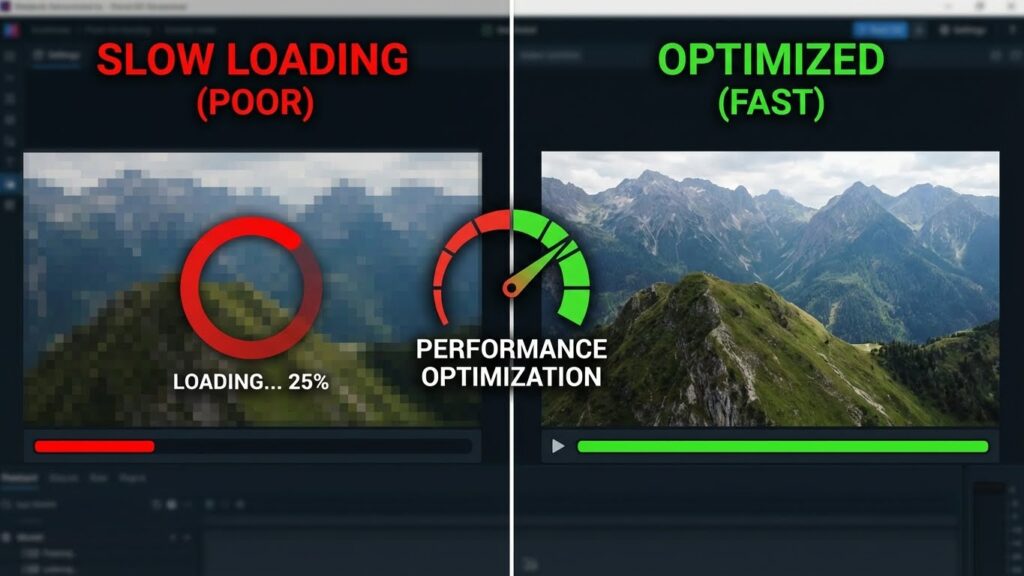
The most heartbreaking error. It crashes right at the end because your RAM is full or your Video Codec is incompatible.
- Quick Fix: Switch your export settings from H.265 (HEVC) to H.264 (AVC).
- Full Guide: [How to Fix Black Screen & Export Crashes]
Reducing Lag on Low-End Devices
If the preview freezes while you edit:
- Quick Fix: Go to Settings > Preview Quality and set it to “Low.” This makes the preview blurry but keeps the app running smooth. The final export will still be HD.
Account & Connection Issues
You have the app, but you can’t sign in to save your cloud projects.
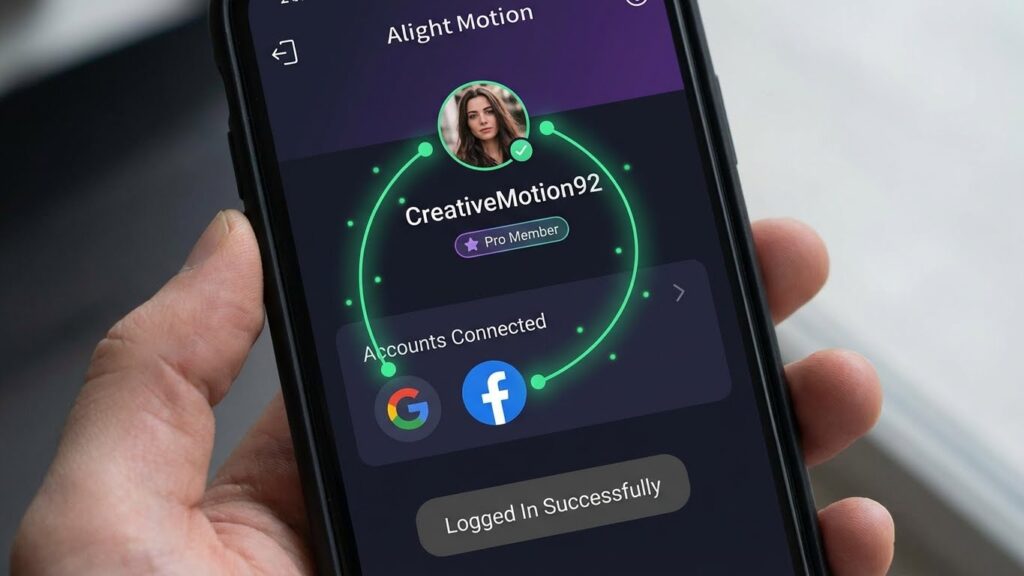
“Login Failed” (Google/Facebook Error)
If you see “App Not Active” when trying to log in with Facebook, or an endless spinner with Google, it’s due to the Mod Signature mismatch.
- Quick Fix: Uninstall the Facebook App temporarily to force a “Browser Login,” which bypasses the security check.
- Full Guide: [Fix Login Failed & Connection Errors]
Project & XML File Errors
You downloaded a preset, but it won’t open.
“Project Version Incompatible”
This happens when you try to open a v5.0 XML on an older v4.0 App.
- Quick Fix: Upgrade to the latest Alight Motion Pro APK, or use our “Text Editor Hack” to force-open the file.
- Full Guide: [Fix ‘Project Version Incompatible’ XML Error]
“Link Verification Failed”
If scanning a QR code gives you a server error, it’s because Mod APKs cannot connect to the official Alight server.
- Quick Fix: Always download the XML File directly (Google Drive link) instead of using the
alight.linkwebsite.
Frequently Asked Questions (FAQ)
Conclusion: Every Error Has a Solution
Don’t let technical glitches stop your creativity. Most Alight Motion issues can be solved in under 5 minutes if you know the right trick.
Start by ensuring you can get the app running with our App Not Installed fix. If you can edit but can’t save your video, read our guide on resolving Black Screen & Export Crashes.
For account issues, we have a specific method to solve Login Failed errors, and if your presets won’t open, check out how to fix Project Version Incompatible messages.