Alight Motion vs. After Effects: Can Mobile Beat PC? (2025)
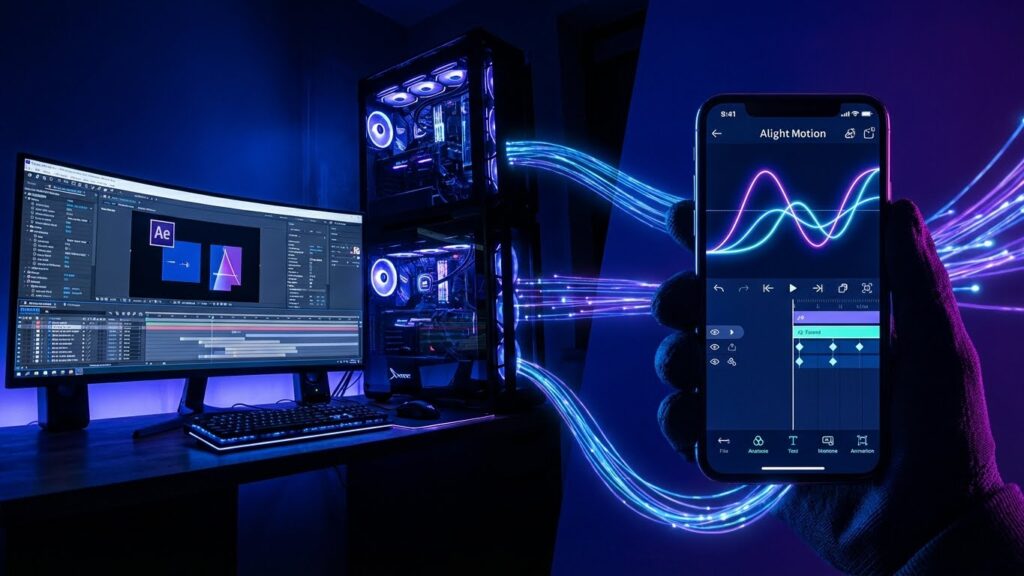
For years, if you wanted to make professional Motion Graphics, you only had one choice: Adobe After Effects (AE). It is the Hollywood standard. It is used to make Marvel movies, TV commercials, and high-end YouTube intros.
But then came Alight Motion (AM).
Dubbed the “After Effects of Mobile,” Alight Motion brought keyframes, vector editing, and visual effects to Android and iOS. Suddenly, 16-year-old editors were making AMVs (Anime Music Videos) on their phones that looked indistinguishable from PC edits.
So, in 2025, do you still need a $2,000 PC and an expensive Adobe subscription? Or can you do it all on your phone?
In this Alight Motion vs. After Effects showdown, we compare the “David vs. Goliath” of the editing world.
The Core Difference: Architecture
Adobe After Effects (The Powerhouse)
After Effects is a desktop compositing software.
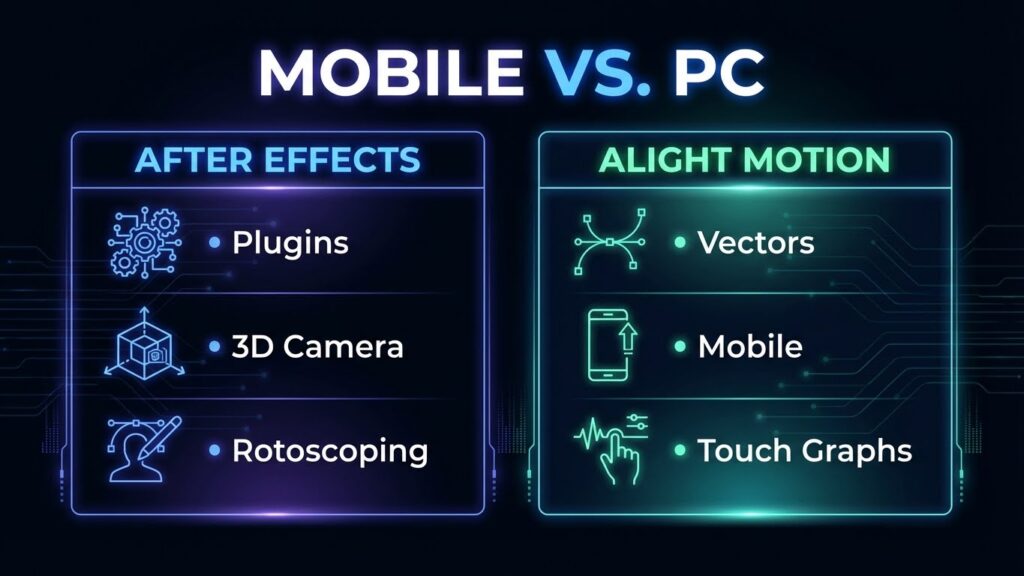
- Plugins: It supports third-party plugins like Sapphire, Twixtor, and Element 3D. These are essential for professional VFX.
- 3D Space: It has a true 3D workspace where you can manipulate cameras, lights, and shadows in complex environments.
- Performance: It requires a powerful PC (32GB RAM recommended). If your PC is weak, AE will crash constantly.
Alight Motion (The Challenger)
Alight Motion is a mobile motion graphics app.
- Vector Engine: Like AE, it uses math to render shapes, meaning crisp edges at any zoom level.
- Graph Editor: It is one of the only mobile apps with a fully customizable speed graph (Bezier Curves), allowing for that smooth “AE-style” movement.
- Portability: You can edit anywhere—on the bus, in bed, or at school. No desk required.
Verdict: After Effects wins on raw power. Alight Motion wins on accessibility.
Round 1: Best for AMVs (Anime Music Videos)
The AMV community is split.
- Team After Effects: Uses AE for “Twixtor” (super smooth slow motion) and “3D Camera” transitions that feel incredibly deep. The “Flow” available in AE is unmatched because of the graph editor’s precision.
- Team Alight Motion: Uses AM for “Shake Effects” and “Vector Art.” The app is famous for its Null Object parenting, which allows mobile editors to create complex character rigs that rival AE.
The Reality: In 2025, the gap is closing. Many top Instagram editors use Alight Motion exclusively. Unless you need heavy 3D particle effects, Alight Motion is capable of 90% of what AE does for AMVs.
Round 2: Features & Workflow
| Feature | After Effects (PC) | Alight Motion (Mobile) |
| Plugins | Unlimited (Sapphire, RSMB) | None (Built-in effects only) |
| Keyframes | Advanced (Values & Graphs) | Advanced (Every Property) |
| Learning Curve | Extremely Steep (Months) | Steep (Weeks) |
| Pricing | ~$22.99/month (Subscription) | Free / ~$2.99/month |
| Masking | Roto Brush (AI Auto-Mask) | Manual Vector Masking |
The Workflow Problem: On After Effects, you have a mouse and keyboard. You can use shortcuts (like U to reveal keyframes). On Alight Motion, you are using your fingers. Complex projects with 100+ layers can become messy and hard to manage on a small screen.
Round 3: Cost & Value
This is where Alight Motion destroys Adobe.
- Adobe Creative Cloud: You stop paying, you lose access. It costs over $250/year just for one app.
- Alight Motion: The Pro subscription is roughly $20/year. Or, you can use the free version with a watermark.
- Note: Many students start with the Alight Motion Mod APK to learn without paying, then upgrade to Adobe later when they get a job.
Final Verdict: Which One Should You Learn?
Learn Alight Motion If:
- You don’t have a powerful PC.
- You want to make AMVs, Instagram Edits, or Typography videos.
- You are a beginner who wants to understand “Keyframes” and “Graphs” without being overwhelmed by a complex interface.
Learn After Effects If:
- You want a career in Film, TV, or Professional VFX.
- You need advanced features like Rotoscoping, 3D Tracking, or Particle Systems.
- You have a budget for hardware and software.
Pro Tip: Start with Alight Motion. The skills you learn (Graphs, Parenting, Easing) translate perfectly to After Effects later. It is the best training ground for future pro editors.